
In This Article
Overview
My Notifications is a built-in alert system that keeps you informed about important changes and updates in WiredUp. The system automatically sends notifications when, for examples, activities, meetings, and ideas that you own or are associated with are modified. You'll also receive notifications when specific actions, such as data exports or imports, are completed. This ensures you stay up-to-date with all relevant changes without having to manually check for updates.
Accessing My Notifications
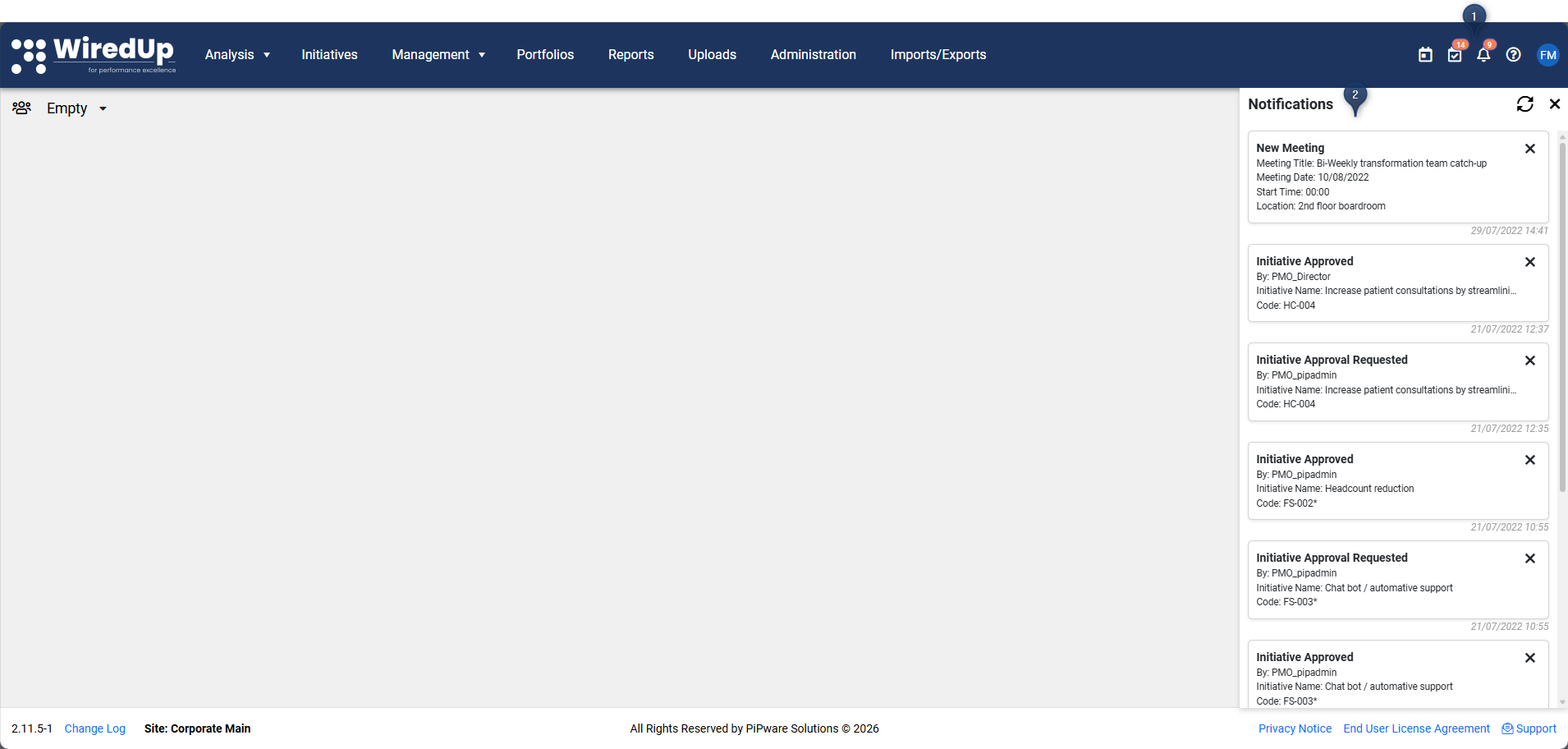
- Locate the Notifications icon on the top right of your screen. If you have unread notifications, an amber dot will appear on the icon
- Click the Notifications icon to open the dropdown list of all unread notifications
Managing Notifications
Each notification shows: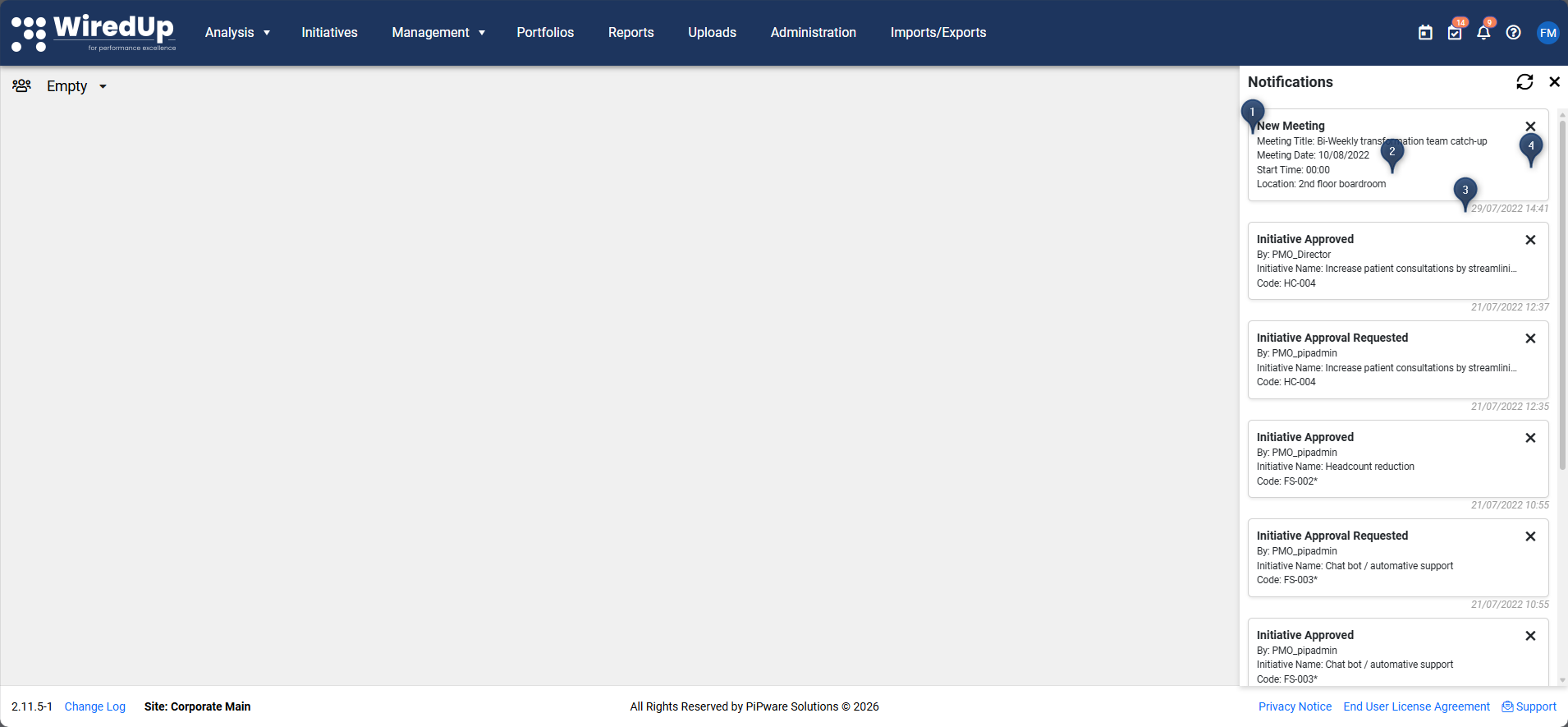
- Notification message: Description of the change or completed action
- Date and time: When the notification was generated
- The activity, meeting, idea, or action that triggered the notification
- To dismiss a notification, click the X next to it and the notification will be removed from your list
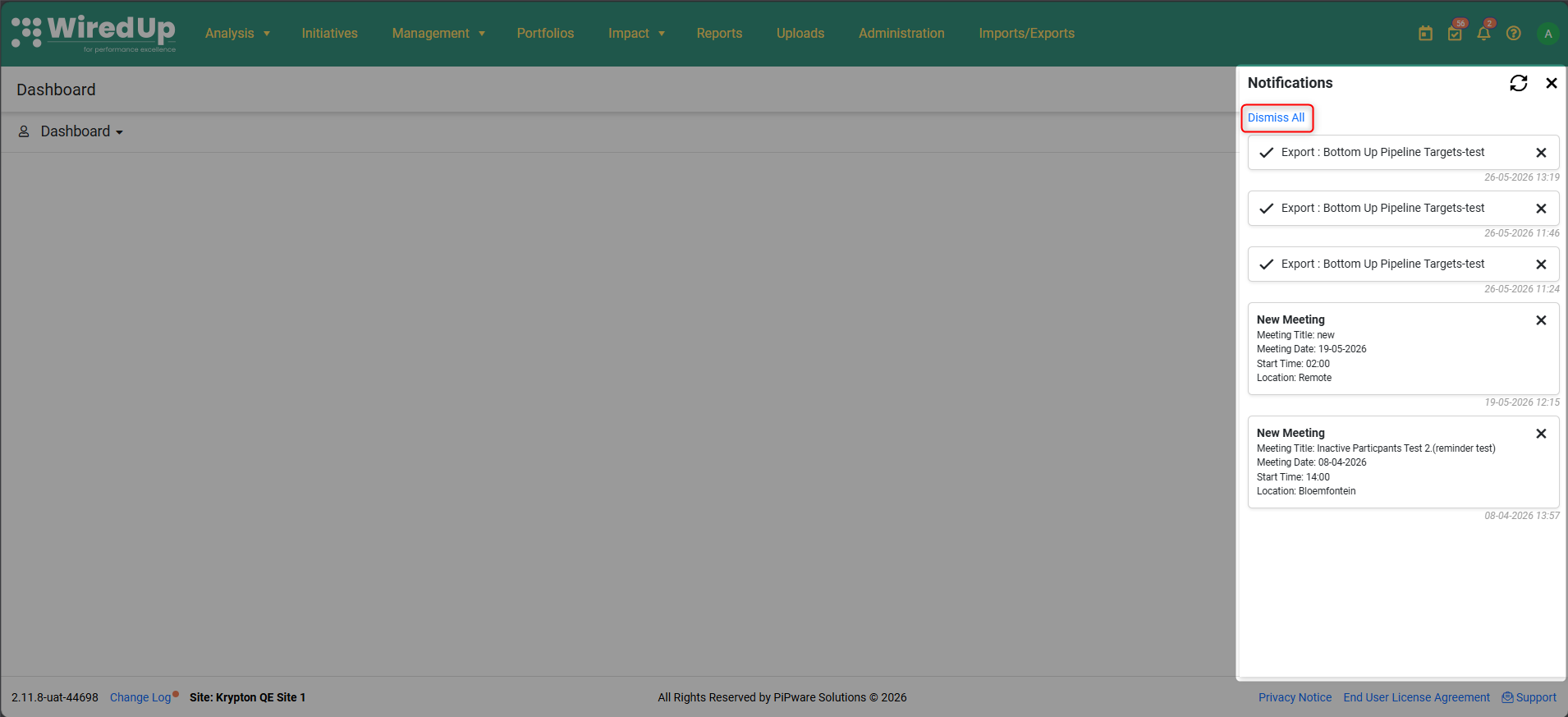
The My Notifications panel now includes a 'dismiss all' option to dismiss all notifications displayed on the panel.
Reports: Auto Download
When you export a report as PDF or Excel, the file now automatically downloads to your browser as soon as processing completes. You no longer need to open the notifications panel and click the notification to retrieve your file.
How it works:
- Click the download button to export your report
- The file processes in the background
- Once complete, the file automatically downloads to your browser's downloads folder
A notification entry is still created for your reference and can be used to re-download the file if needed
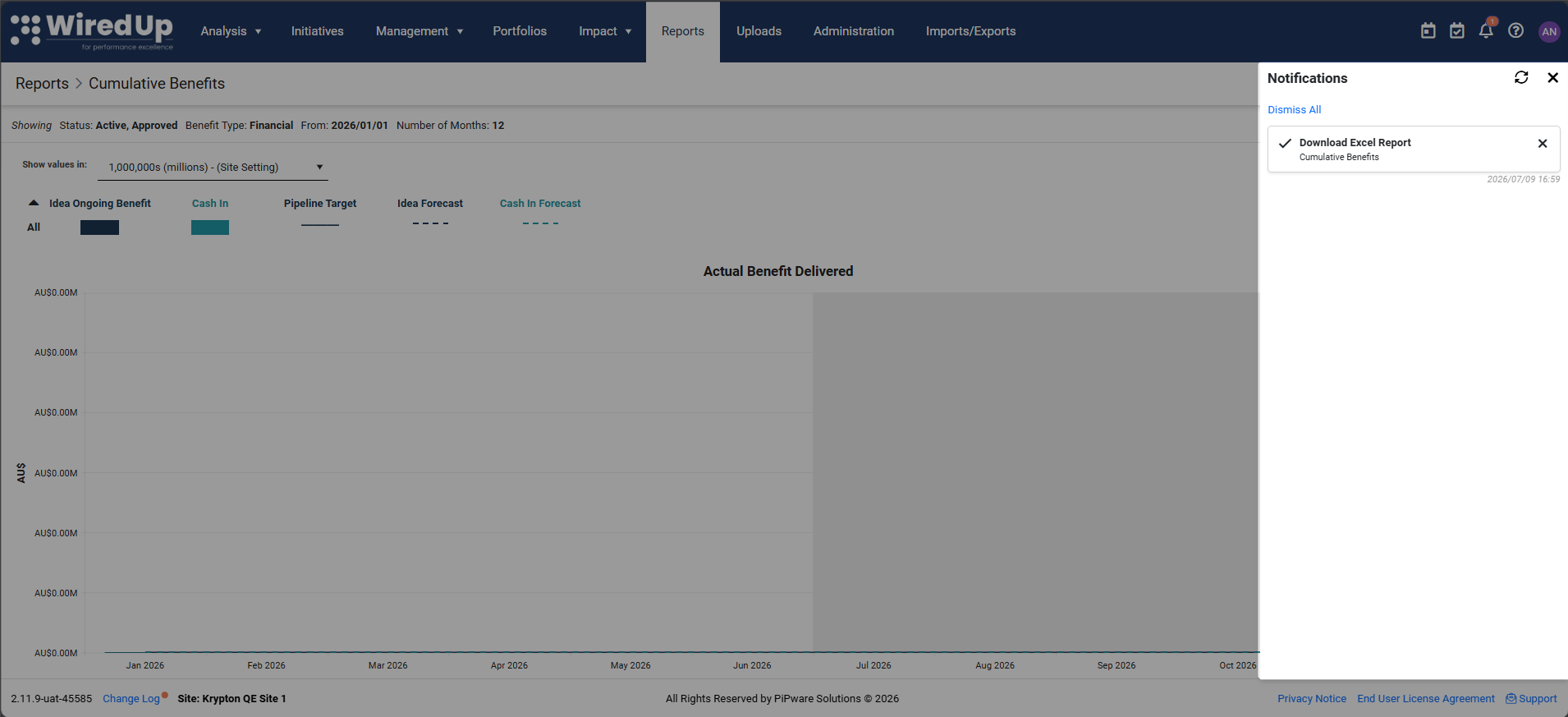
Note: If your browser blocks the automatic download due to security settings, you can still manually download the file by opening the notifications panel and clicking on the completed export notification.Recommendations
- Check your notifications regularly to stay informed about important updates
- Dismiss notifications after reviewing them to keep your list organized
- Use notifications as prompts to take action on items that require your attention
- If you receive a notification about a change, click through to review the details and ensure alignment with your expectations
- Keep the amber dot indicator in mind as a quick visual cue for pending notifications